
BLOG • TECHNICAL SEO
Core Web Vitals Explained: LCP, INP and CLS in Simple Words
A customer taps your site from a parking lot. The page loads in white chunks for seconds. Text jumps just as her thumb lands. She leaves and calls your rival instead.

Google measures that exact frustration with three scores. They are called Core Web Vitals by Google. Each score tracks one part of the visit. This guide explains each score in simple words.
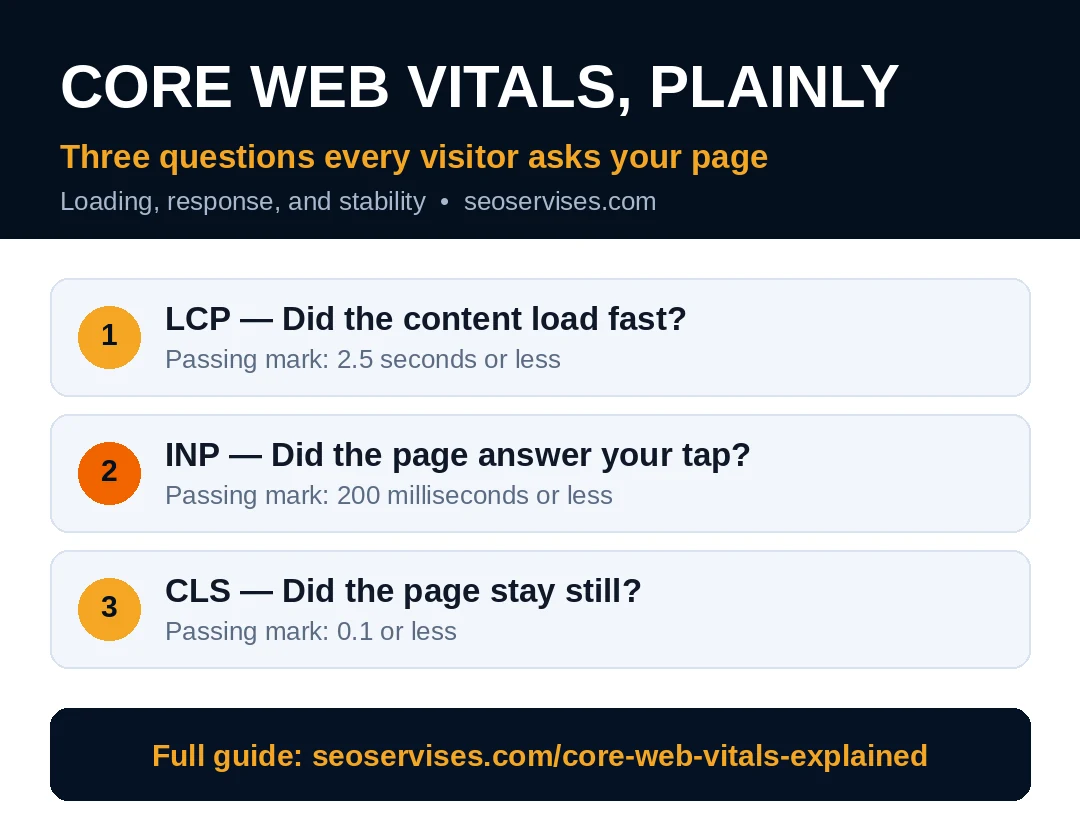
Quick answer: Think of core web vitals explained as three visitor questions. Did the main content load fast enough? Did the page respond when I tapped? Did the layout stay still while loading? Passing scores are LCP 2.5 seconds, INP 200 milliseconds, and CLS 0.1.
The three scores and their passing marks:
| Score | What it measures | Passing mark |
|---|---|---|
| LCP | Main content loading speed | 2.5 seconds or less |
| INP | Response speed after a tap | 200 milliseconds or less |
| CLS | Layout movement during loading | 0.1 or less |
The Three Questions Behind the Scores
Google built these scores around real visitor feelings. Forget code terms for a moment here. Picture one visit to your homepage instead.
First, the visitor waits for the main content. That wait is the loading question, or LCP. Second, she taps your menu or button. The pause before anything happens is INP. Third, she starts reading your opening lines. Text that jumps mid-read creates the CLS problem.
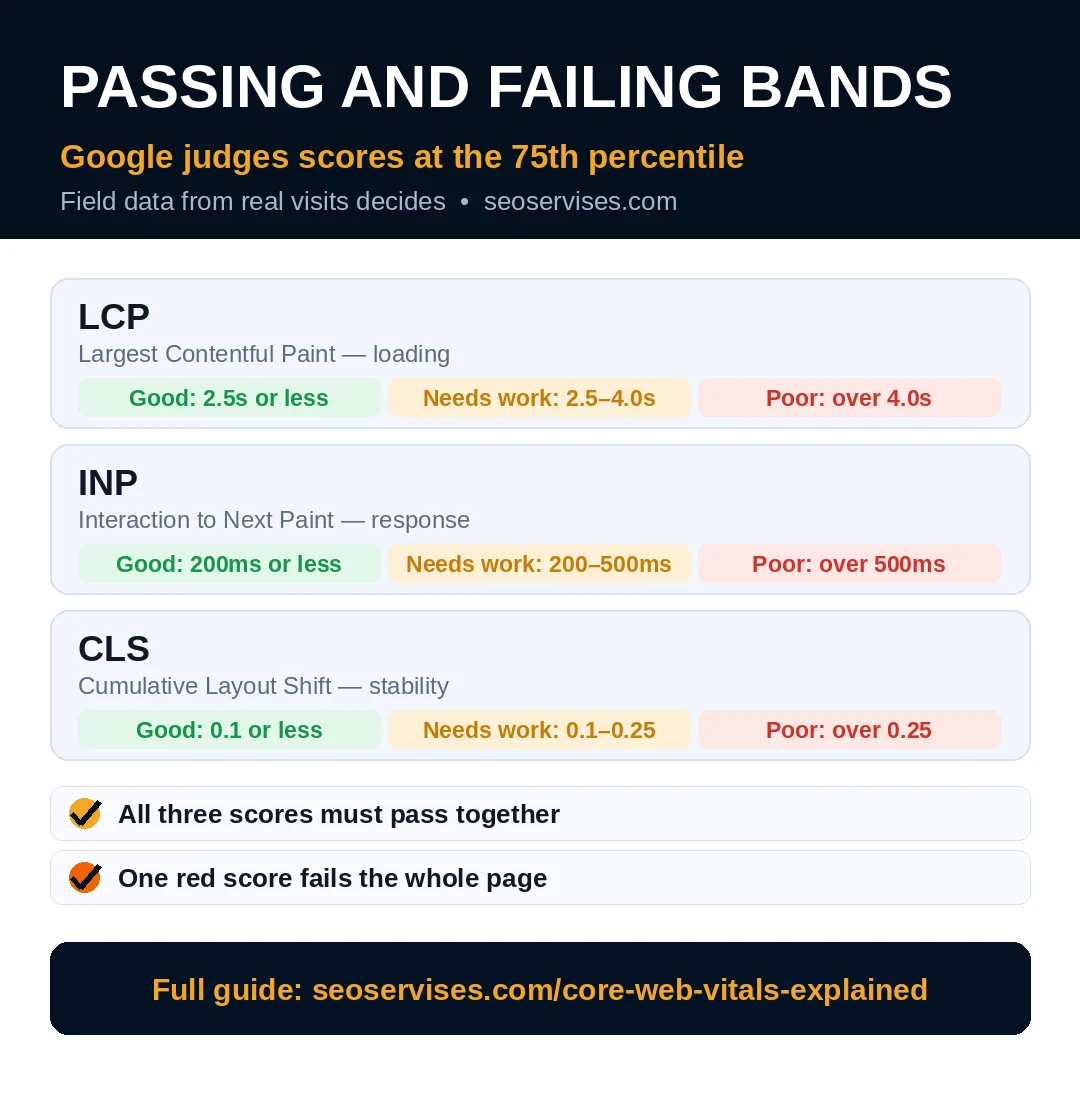
All three scores come from real visits. Google collects them through Chrome user reports. The official definitions live on web.dev for deeper reading. Passing needs all three scores green together. One red score fails the whole page.
What are the three Core Web Vitals?
The three scores are LCP, INP, and CLS. LCP times how fast main content appears. INP times how fast pages answer taps. CLS counts how much layouts shift unexpectedly. Together they cover loading, response, and stability. A page passes only when all three pass.
LCP: Did the Main Content Load Fast?
LCP stands for Largest Contentful Paint in full. It times your biggest visible element on screen. That element is often a hero photo. On service pages, it may be the headline block.
The passing mark is 2.5 seconds or less. Scores between 2.5 and 4.0 seconds need work. Anything above 4.0 seconds counts as poor. Google judges the score at the 75th percentile. Three of four visits must pass the mark.
Big unoptimized photos cause most LCP failures. A hero photo straight from a phone hurts badly. Slow hosting delays the first byte as well. Render-blocking files pause the paint even longer.
Fix LCP with a short, proven routine. Compress the hero photo and use WebP format. Preload that one hero image in your settings. Remove sliders that stack several heavy photos. Pick hosting that answers requests quickly and consistently.
INP: Did the Page Answer Your Tap?
INP stands for Interaction to Next Paint. It times every tap, click, and key press. The clock stops when the screen updates visibly. The passing mark is 200 milliseconds or less. Scores up to 500 milliseconds need improvement. Anything above that line counts as poor.
Heavy JavaScript causes most INP failures today. Chat widgets and popups add serious script weight. Tracking tags pile on top of each other. Long tasks freeze the page during taps.
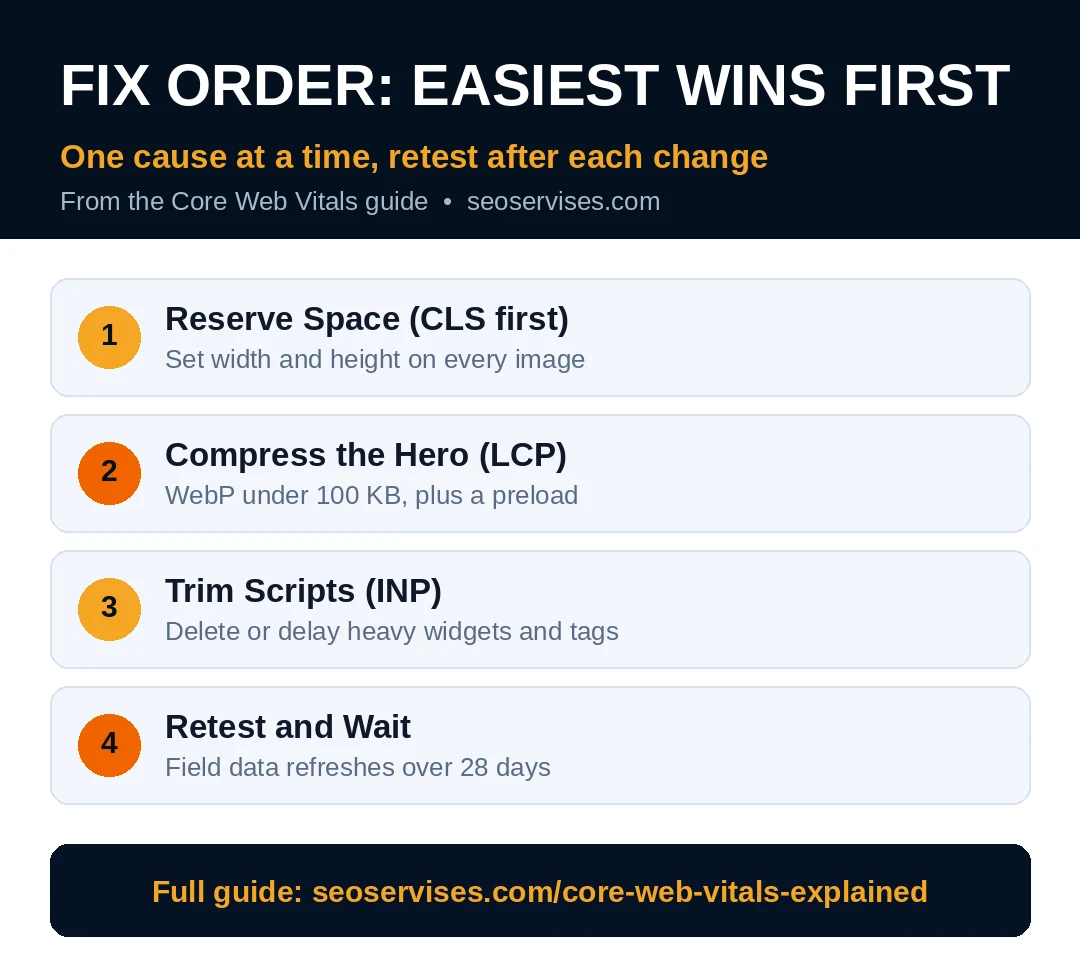
Trim scripts before chasing fancy speed tricks. Delete plugins and tags you no longer use. Delay chat widgets until after first interaction. Break long tasks into smaller chunks where possible. Most small sites pass INP after basic cleanup.
What replaced FID?
INP replaced First Input Delay in March 2024. FID timed only the very first interaction. INP watches interactions across the whole visit. It gives a fairer picture of real responsiveness. Guides quoting FID today are simply outdated. Check INP in current reports instead.
CLS: Did the Page Stay Still?
CLS stands for Cumulative Layout Shift in full. It counts unexpected movement of visible content. The passing mark is 0.1 or less. Scores up to 0.25 need improvement work. Anything above 0.25 counts as poor.
You have felt CLS on other sites before. You reach for a button and it moves. An ad loads and pushes text downward. A banner drops in and shifts everything again. Each jump adds to your CLS total.
Missing image sizes cause most layout shifts. Browsers cannot reserve space without width and height. Late fonts swap text and move lines around. Cookie bars and popups shove content on arrival.
Reserve space for every image and embed. Set width and height on all media files. Load fonts with settings that reduce visible swaps. Place banners so they never push main content. CLS fixes are usually the easiest wins available.
Why Google Trusts Real Visits Over Tests
Simulated tests once ruled speed advice for years. They missed how real phones and networks behave. A page could ace every lab test easily. Real customers still waited on slow connections outside.
Field data closed that gap for Google. It records visits from actual Chrome users worldwide. Slow rural connections count in those results. Old phones count just as much too. That honesty makes the scores hard to game. It also makes them fair across different towns.
Only about half of mobile sites pass today. Recent Web Almanac data puts mobile passing near 48%. Your rivals likely fail at least one score. Passing all three puts you ahead quickly. Small fixes often separate passing from failing here.
Field Data vs Lab Data: Two Different Scores
Reports show two kinds of performance data. Mixing them up causes endless confusion for owners.
Field data comes from real visitor devices. It covers the last 28 days of visits. Google uses field data for ranking decisions. Lab data comes from one simulated test run. Tools like Lighthouse generate lab data on demand. Lab data helps find faults but decides nothing.
Is there a single Core Web Vitals score?
No single score exists for these metrics. Each metric gets its own pass or fail grade. The 0 to 100 number in PageSpeed Insights differs. That number is the Lighthouse performance score instead. Google does not rank pages on that number. Watch the three field grades instead.
What is the difference between field data and lab data?
Field data records real visits on real devices. Lab data records one test in controlled conditions. Field data reflects your actual paying customers. Lab data stays repeatable for debugging faults. Google judges passing with field data only. Use lab data to hunt specific problems.
Table 2: Where to Check Each Score
| Tool | Data type | Best use |
|---|---|---|
| Search Console | Field data | Sitewide pass and fail groups |
| PageSpeed Insights | Field plus lab | Page diagnosis and fix ideas |
| Chrome DevTools | Lab data | Finding the exact shifting element |
How to Read Your Own Report in Five Minutes
Open PageSpeed Insights and paste your homepage address. Run the test and select the mobile tab. Mobile results matter most for most businesses. Google indexes and ranks the mobile version first.
Read the field data block at the top. Green means that score passes for visitors. Orange means the score needs improvement soon. Red means visitors feel real pain there.
Scroll to the lab diagnostics list next. Each item names one fault and one fix. Fix the top item, then retest that page. Our full guide to speeding up a WordPress website walks through fixes. Pair it with a wider check using our technical audit checklist guide afterward.
Should I focus more on mobile or desktop scores?
Focus on mobile scores first for most sites. Most small business traffic now arrives by phone. Google also judges pages by mobile performance. Desktop scores usually run higher anyway. Fix mobile first and desktop often follows. Recheck both after major design changes.
A Worked Example: One Bakery Homepage
A small bakery homepage shows all three problems. Its field data tells a clear story fast. LCP sits at 4.8 seconds in red. INP sits at 180 milliseconds in green. CLS sits at 0.31 in red too.
The hero photo explains the slow LCP alone. It weighs 3.2 megabytes straight from a phone. The owner compresses it to 90 KB WebP. She also adds a preload for that photo. LCP drops near 2.1 seconds within weeks.
The layout shift comes from the menu banner. A review badge loads late above the header. It pushes the whole page down each visit. Reserving space for the badge fixes that shift. CLS falls under 0.1 after that change.
INP already passes, so scripts stay untouched here. That restraint matters during any fix plan. Changing passing parts can create new faults. The bakery now passes all three scores. Calls from mobile search rise the next month. One page at a time, this pattern repeats.
Your homepage likely hides a similar story. Run the same reading on your field data. Match each red score to its cause above. Fix one cause, retest, and move forward calmly.
Fix Order: Start With the Easiest Wins
Owners often chase every fault at once. A calm order gets results much faster.
Start with CLS because fixes stay simple. Add missing image sizes across key templates first. Then tackle LCP with image and hosting work. Hero compression alone rescues many homepages completely. Finish with INP and a script cleanup pass. Remove one unused plugin at a time.
Retest after each single change you ship. Field data needs 28 days to fully refresh. Lab tests confirm the fix direction right away. Patience matters more than panic in this work.
Scores also protect revenue, not just rankings. Faster pages hold attention and win more calls. Stable pages feel trustworthy on first contact. Passing scores support every ad and post you publish. Treat them as basic business upkeep, not decoration.
Some fixes need server or code level access. Our technical SEO services team handles those jobs weekly. We translate reports into a plain fix list. Google also explains page experience in Search Central for reference.
Get Your Scores Into the Green
You now know what each score really means. LCP covers loading, INP covers response, CLS covers stillness. Check your homepage field data this week. Fix one red score at a time.
Want the report decoded for your site? Contact us for a plain-English review. We will name the faults and the fix order. No jargon and no pressure included.
Frequently Asked Questions
Are Core Web Vitals a ranking factor?
Yes, Google counts them within page experience signals. The signal is modest compared with content relevance. A weak answer never wins on speed alone. Between two similar pages, better scores help. Visitor trust is the bigger prize here.
What is a good LCP score?
A good LCP score is 2.5 seconds or less. Google measures it at the 75th percentile of visits. Scores up to 4.0 seconds need improvement work. Anything above 4.0 seconds counts as poor. Check mobile field data for your verdict.
What is a good INP score?
A good INP score is 200 milliseconds or less. It covers taps, clicks, and key presses all visit long. Scores up to 500 milliseconds need improvement. Anything above 500 milliseconds counts as poor. Heavy scripts cause most failures here.
What is a good CLS score?
A good CLS score is 0.1 or less. Scores up to 0.25 need improvement work. Anything above 0.25 counts as poor. The score sums every unexpected layout shift. Reserved image space prevents most shifts.
Where can I check Core Web Vitals?
Use PageSpeed Insights for one page at a time. Use Search Console for sitewide pass and fail groups. Both tools are free from Google directly. PageSpeed also shows lab data for debugging. Search Console shows the field verdict.
How often should I check Core Web Vitals?
Check Search Console scores once a month normally. Recheck after any redesign, theme, or plugin change. New content and ads can shift scores quietly. Monthly checks catch drops before rankings suffer. Field data refreshes on a 28-day cycle.