BLOG • TECHNICAL SEO
How to Find and Fix Broken Links on Your Website
Every website collects broken links over time. Pages move, products change, and other sites delete content. Each dead link sends a visitor to nowhere.
Broken links waste clicks you already earned. They also waste the value of links pointing to you. A short cleanup routine fixes both problems.
This guide gives you a free-tool workflow. You find every broken link, sort it by type, and repair it. Then you recheck the site and schedule monthly scans.
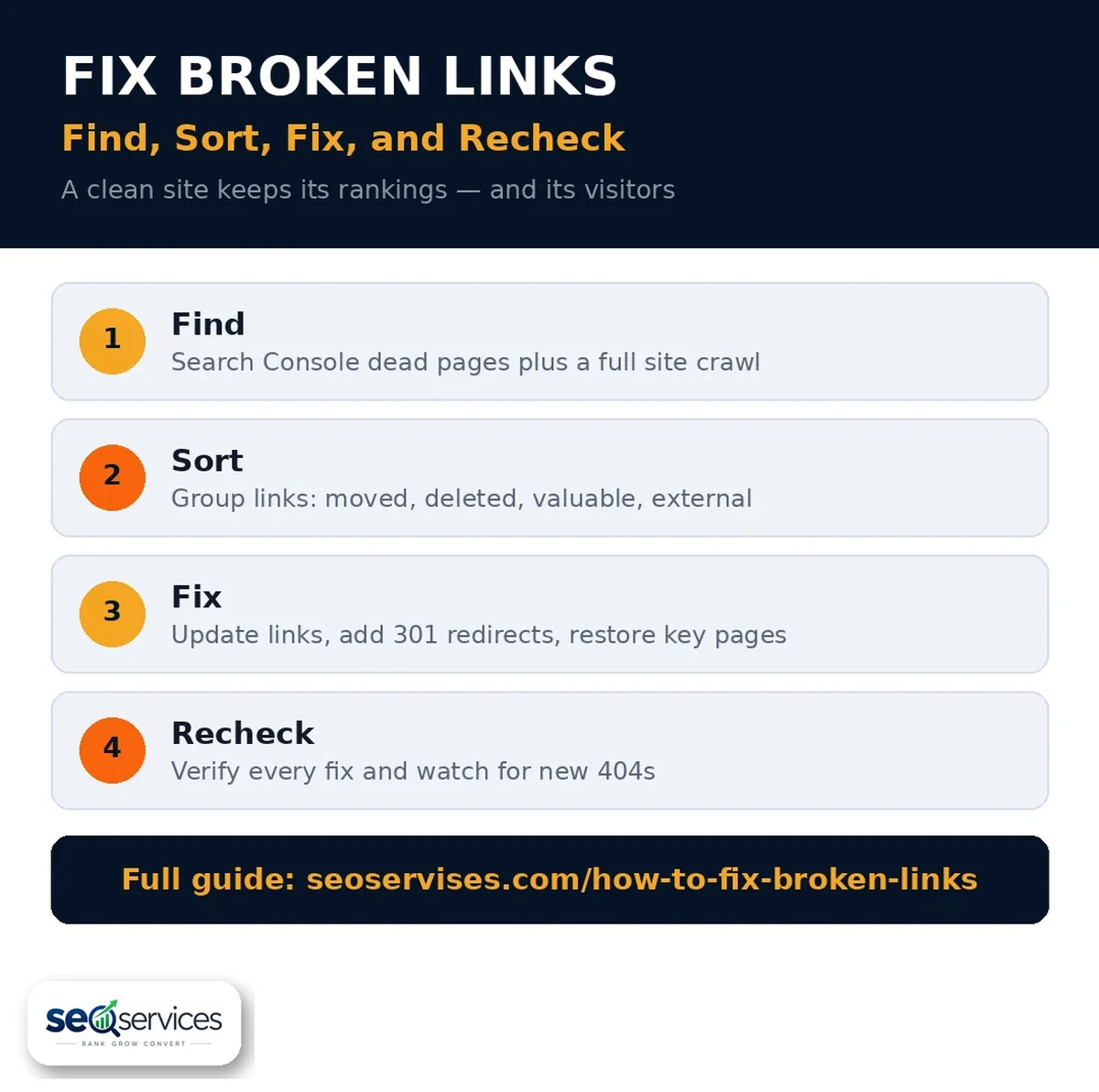
Quick answer: Find broken links with Search Console and a site crawler. Update links to moved pages on your own site. Add 301 redirects for dead URLs with backlinks. Restore valuable deleted pages, and remove links with no replacement.
What Counts as a Broken Link?
A broken link points to a page that fails. The target returns an error instead of content. Visitors see a dead end and leave fast.
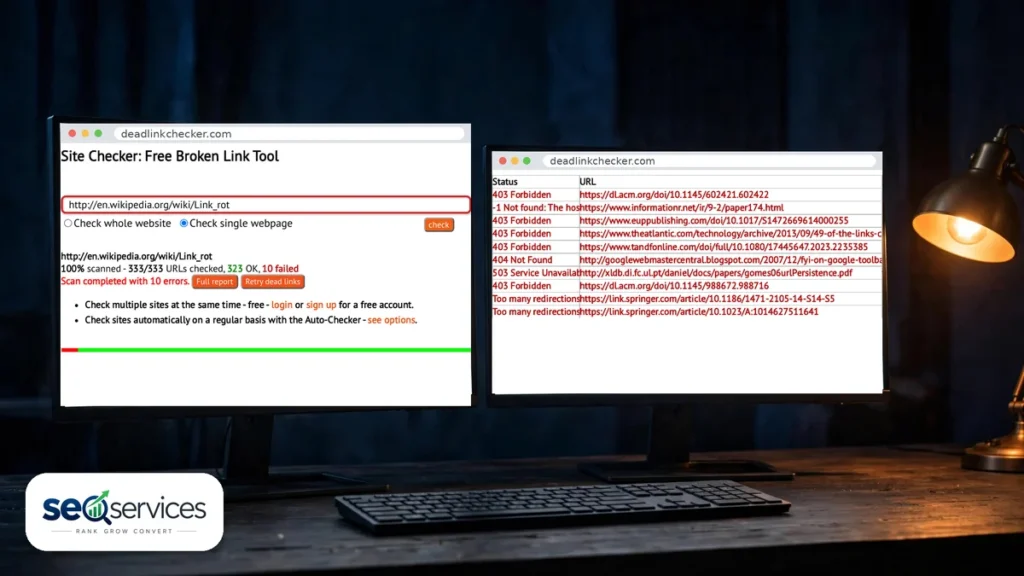
Error links usually return 404 or 410 codes. Server errors in the 500 range count too. DNS failures and timeouts also break links.
Redirects are not broken links by themselves. Long redirect chains still deserve cleanup, though. Each extra hop slows visitors and crawlers.
Links fail for a few common reasons. Pages get deleted, URLs change, or sites close. Typos in hand-typed links also create errors.
Do broken links hurt SEO?
Broken links waste crawl time on dead URLs. They send link value into pages returning nothing. Visitors hitting dead ends rarely convert or return. Google does not penalize normal 404 pages directly. The harm comes from links pointing at them. Fixing linked errors protects traffic and trust.
Step 1: Find Dead Pages in Search Console
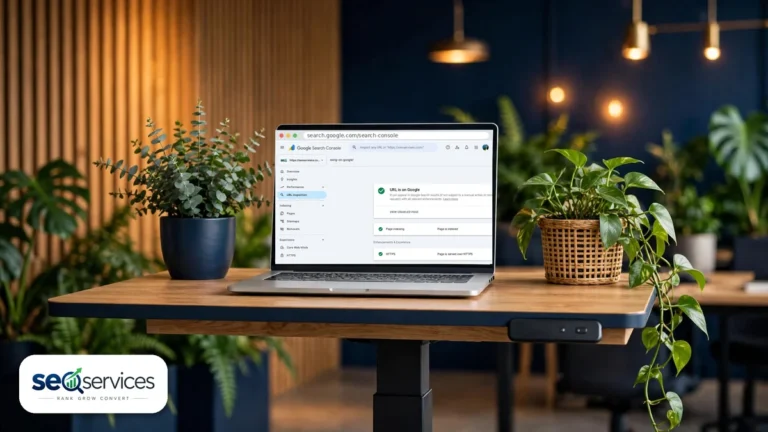
Open the Pages report in Google Search Console. Look under the Not Found 404 section. That list shows dead URLs Google already found.
Sort the list by validation and last crawl date. Recent entries matter more than ancient ones. Export the list into a spreadsheet for tracking.
Check which dead URLs have links pointing at them. Open the Links report in Search Console too. Dead pages with backlinks deserve priority fixes.
Google explains 404 handling in its Search Central documentation. It confirms that normal 404 responses are not errors alone. Focus on URLs that people actually link to.
Step 2: Crawl Your Whole Site
Search Console only shows what Google found. A crawler checks every link on your site directly. Screaming Frog offers a free tier for 500 URLs.
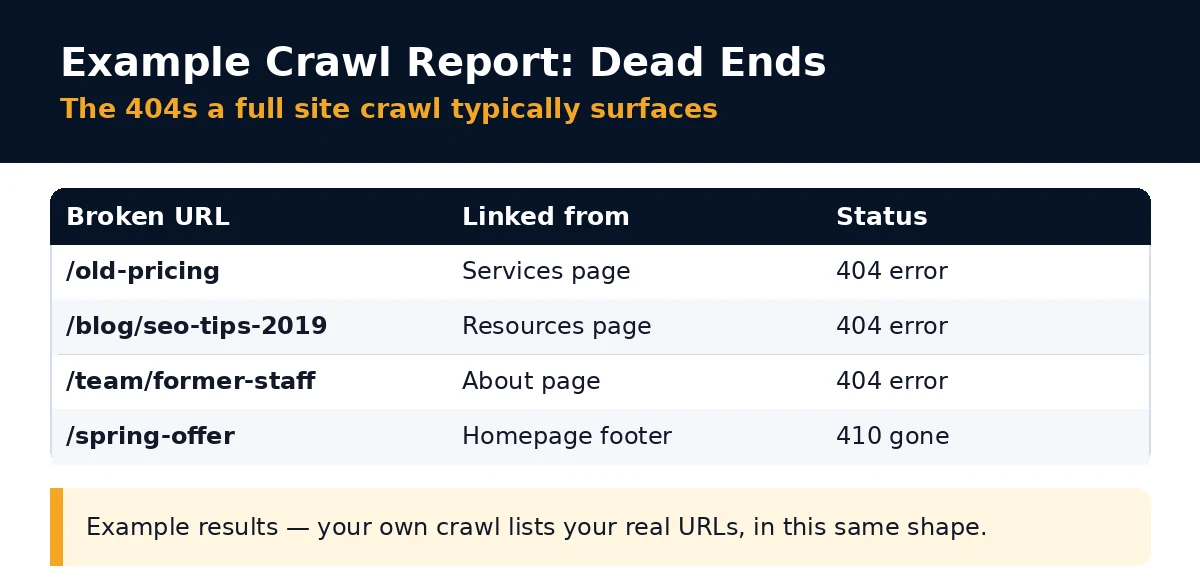
Start a crawl and sort by status code. Group results into 404, 410, and 500 errors. Note the source page for every broken target.
One bad menu link can create hundreds of errors. Shared headers and footers repeat links everywhere. Fix shared sources before single page links.
Export the crawl before you change anything. The export becomes your working repair list. Mark each row fixed as you finish it.
How can I find and fix broken links on my website efficiently?
Run one full crawl before touching any link. Export results and group them by shared source. Template and menu errors often explain most rows. Fix internal links first, since you control them fully. Then handle dead pages holding backlinks. Recrawl at the end to confirm zero remain.
Step 3: Sort Links Into Four Groups
Not every broken link needs the same repair. Sorting first prevents wrong fixes and wasted redirects. Use four groups for every error you find.
Group one holds internal links to moved pages. Group two holds dead pages with external backlinks. Group three holds broken links to other websites. Group four holds pages gone with no replacement.
Add a planned fix beside each group item. Your repair work then moves in clear batches. Batch work beats random clicking through reports.
Table 1: The Broken Link Decision Guide
| Situation | Correct fix |
|---|---|
| Your page moved to a new URL | Update the link, add a 301 |
| Dead page still has backlinks | Redirect to closest live match |
| Deleted page had real value | Restore it at the original URL |
| Outside site removed its page | Replace source or remove link |
| Page gone, nothing similar exists | Remove links, leave clean 404 |
Step 4: Fix Internal Links at the Source
Update internal links to point at live URLs directly. Editing the link beats relying on redirects alone. Direct links load faster and stay clearer for Google.
Use your CMS search tools for old URLs. WordPress owners can search posts and pages quickly. Menu and widget links need separate checks too.
Fix the template when errors repeat across pages. One header fix can clear hundreds of broken rows. Recheck the source pages after each template change.
Strong internal linking habits prevent repeat errors. Our internal linking strategy guide covers link planning in depth. Good structure makes future cleanups far smaller.
Step 5: Redirect Dead Pages With Backlinks
Other sites may link to your dead URLs. Those links carry value you should not waste. A 301 redirect moves visitors and value together.
Point each dead URL to its closest live match. A removed service page should redirect to its replacement. Never send everything to your homepage by default.
Google treats unrelated homepage redirects as soft 404s. Soft 404s pass little value and confuse visitors. Close topical matches protect both value and trust.
Use Rank Math or your host redirect tools. Test every redirect in a private browser window. Confirm the final page loads with a 200 status.
Should I fix every broken link with a 301 redirect?
No, redirects suit only dead URLs with replacements. Update your own internal links at the source instead. Remove links when no good replacement exists. Restore pages that still earn traffic or backlinks. Redirects for everything create chains and soft 404s. Match the fix to each link’s situation.
Step 6: Restore Pages Worth Saving
Sometimes the best fix is bringing a page back. Check whether the dead page earned traffic before. Search Console and Analytics history reveal its value.
Restore the page at its exact original URL. WordPress trash or backups often hold deleted content. The Wayback Machine may hold a public copy too.
Refresh the restored page before requesting indexing. Update old facts, prices, and internal links inside it. Then submit the URL in Search Console.
Step 7: Repair Links to Other Websites
Broken outbound links point at other sites’ dead pages. You cannot redirect pages you do not own. Your choices are replace, update, or remove.
Search the target site for the moved content first. Many sites move articles without telling anyone. Update your link to the new address.
Replace dead sources with a current equivalent source. Pick sources at least as strong as the original. Remove the link when no replacement fits naturally.
Test crawler results in a real browser before deleting. Some sites block crawlers but welcome human visitors. LinkedIn often returns errors to automated tools only.

Table 2: Free and Paid Finder Tools
| Tool | Cost | Best for |
|---|---|---|
| Google Search Console | Free | Dead URLs Google already found |
| Screaming Frog free tier | Free to 500 URLs | Full internal link crawls |
| Ahrefs Site Audit | Paid | Large sites and backlink targets |
| Broken Link Checker plugin | Free plugin | WordPress in-dashboard checks |
The Homepage Redirect Mistake
Should I redirect all broken pages to my homepage?
No, homepage redirects rarely match the visitor’s goal. Someone seeking a deleted guide lands on sales content. Google often treats those redirects as soft 404s. They then pass little or no link value. Redirect only to a close topical replacement. Leave clean 404s where nothing relevant exists.
Step 8: Recheck and Verify Every Fix
Crawl your site again after repairs finish. Your broken link count should drop near zero. Investigate any errors that survive the cleanup.
Click a sample of fixed links yourself. Automated tools miss login walls and odd scripts. Human checks catch what crawlers report wrongly.
Validate fixed URLs inside Search Console too. Mark resolved 404 groups as fixed there. Google rechecks them and updates its reports.
Our technical SEO audit checklist pairs well with this cleanup. Run both together during quarterly site reviews.
Step 9: Build a Helpful 404 Page
Some dead ends will always reach visitors. Old bookmarks and typos guarantee occasional 404 visits. A good error page saves those visits.
Add search, top pages, and contact options there. Keep your normal menu and branding on it. Visitors should recover in one click.
Check your 404 page returns a real 404 status. Some themes wrongly return 200 for missing pages. That soft 404 pattern confuses search engines.
Prevent Broken Links From Coming Back
How often should I check for broken links?
Check monthly if you publish or edit content often. Quarterly checks suit small, stable business websites. Always crawl after redesigns, migrations, or URL changes. Those events create the most new broken links. Put the check on a recurring calendar task. Early fixes stay small and cheap.
Keep a redirect map for every URL change. Record the old URL, new URL, and date. That single habit prevents most future link rot.
Never change a slug without adding a redirect. WordPress makes slug edits dangerously easy for anyone. One careless edit can break dozens of links.
Link to stable pages instead of temporary ones. Campaign and event pages vanish after their season. Core service pages stay live for years.
Site maintenance feels dull until rankings slip quietly. Our technical SEO team runs these checks for busy owners. Monthly reports keep small errors from growing.
Ready to Clear Your Dead Links?
Start with one crawl and one spreadsheet today. Fix template errors and backlinked pages first.
Want the cleanup handled without the tool juggling? Contact us for a broken link repair review. You get a sorted fix list, not raw errors.
Frequently Asked Questions
What counts as a broken link?
A broken link points to a page that fails. Failures include 404, 410, and 500 status responses. DNS errors and long timeouts count as well. Redirect chains are not broken, but need cleanup. Test odd results in a browser before deleting.
What is the difference between a 404 page and a broken internal link?
A 404 page is a URL returning Not Found. A broken internal link points from your page there. One shared menu 404 can create hundreds of links. Fix the menu once to clear them all. The terms describe opposite ends of one problem.
Will 404 errors in Search Console hurt my rankings?
Normal 404s do not hurt rankings by themselves. Google confirms truly removed pages may return 404 safely. Harm starts when live links point at dead pages. Backlinks to dead URLs also lose their value. Fix linked errors and ignore unlinked ancient ones.
How do I find broken links on my website manually?
Search Google for your site plus key page names. Click through menus, footers, and top posts yourself. Manual checks suit very small websites only. Crawlers find errors humans always miss at scale. Use Search Console data as your free backup.
Can I use a plugin to fix broken links on WordPress?
Yes, plugins like Broken Link Checker scan WordPress sites automatically. They list broken links inside your dashboard for editing. Heavy scanning can slow small shared hosting plans. Run scans during quiet hours for safety. Always verify plugin findings in a browser.