BLOG • TECHNICAL SEO
Schema Markup for Beginners: A Simple WordPress Guide
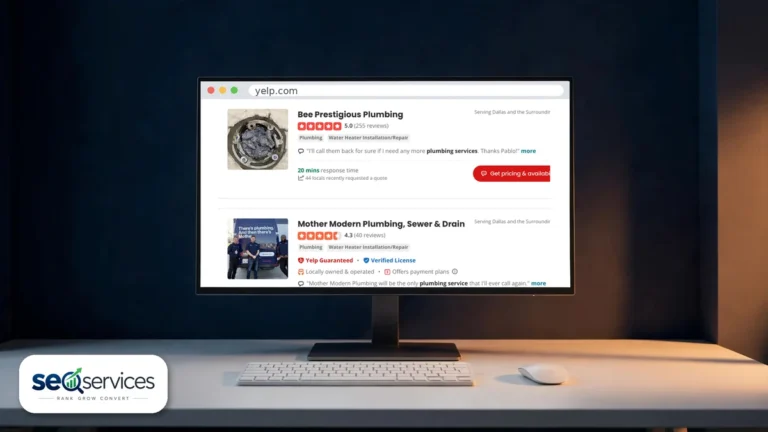
Google reads your pages, but it still guesses at details. It may miss your hours, prices, or review scores. Guessing leads to plain, weak search listings.
Schema gives Google those facts in a clear code format. The code sits behind your page, invisible to visitors. Search engines read it and can show richer results.
This guide keeps the topic small and practical. You learn four starter types for WordPress sites. You add them with a plugin, then test free.
Quick answer: Schema is code that labels your page facts for search engines. WordPress owners add it fastest with an SEO plugin like Rank Math. Start with LocalBusiness, Article, FAQPage, and Review data. Always test pages with Google’s Rich Results Test afterward.
What Schema Actually Is
Schema is a shared vocabulary for describing page facts. The vocabulary lives at schema.org, maintained by major search engines. Each fact gets a clear label in code.
Think of it like labels on storage boxes. Unlabeled boxes force people to guess the contents. Labeled boxes tell everyone exactly what sits inside.
Structured data is the wider term for labeled facts. Schema is the specific vocabulary most sites use. Google supports schema inside its structured data system.
Google explains the concept fully in its introduction to structured data. Read it once before touching any plugin settings.
What is the difference between schema markup and structured data?
Structured data means any facts organized for machines. Schema markup uses the schema.org vocabulary for those facts. Microdata and JSON-LD are formats carrying that vocabulary. People use both terms interchangeably in daily work. Google documentation uses structured data most often. Your plugin settings may say schema instead.
Formats: Why JSON-LD Wins for Beginners
Sites can add schema in three main formats. JSON-LD places the code in one script block. Microdata spreads labels through your visible HTML tags. RDFa uses another attribute style inside HTML.
Google recommends JSON-LD for most websites today. It stays separate from your page design code. Edits stay simpler and break less often.
WordPress plugins output JSON-LD by default. You rarely write or touch raw code yourself. That safety makes plugins the beginner path.
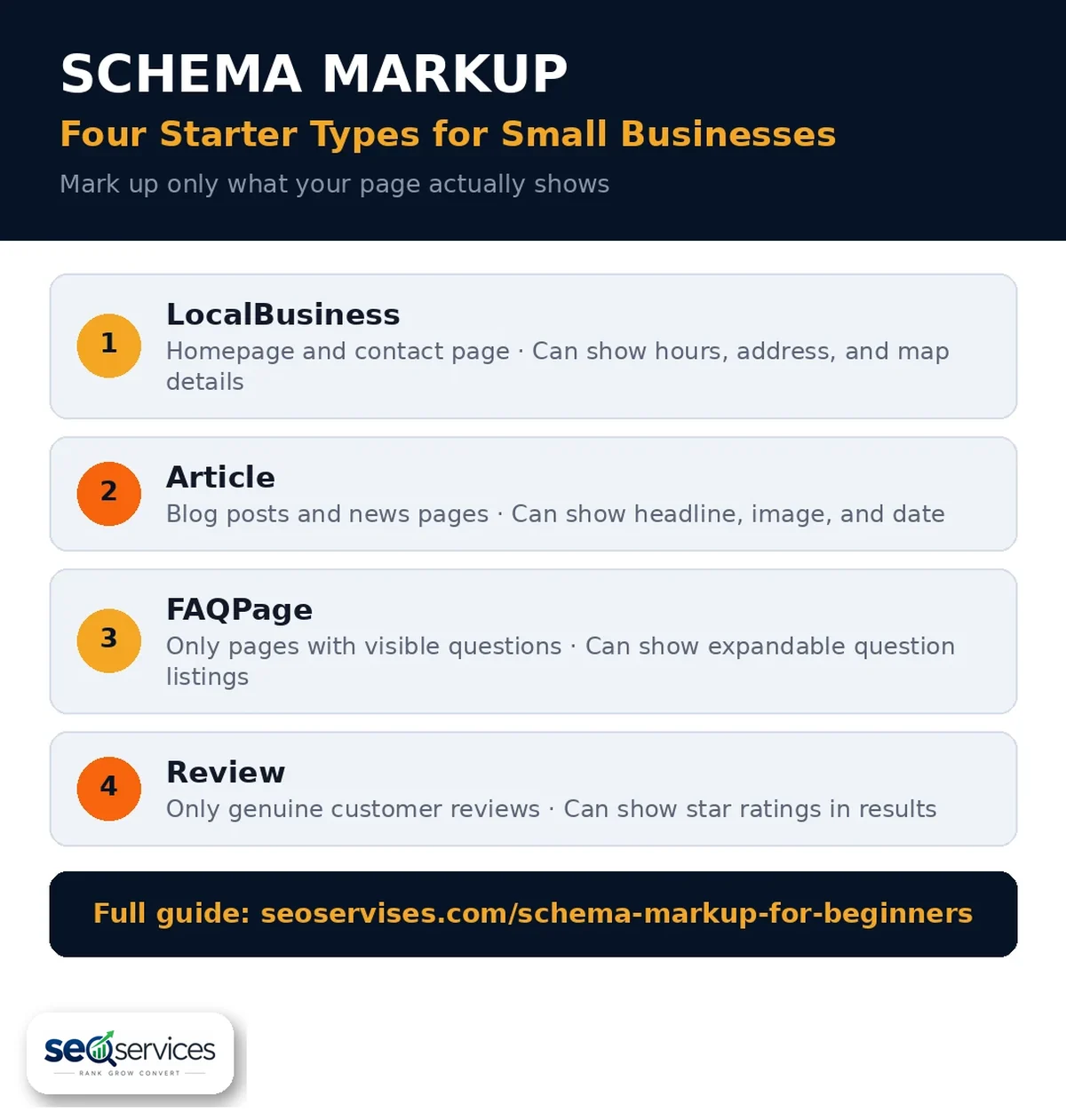
Table 1: Four Starter Schema Types
Start with these four types only. They cover most small business WordPress sites.
| Type | Use it for | Possible rich result |
|---|---|---|
| LocalBusiness | Homepage and contact page | Hours, address, map details |
| Article | Blog posts and news pages | Headline, image, date display |
| FAQPage | Pages with visible questions | Expandable question listings |
| Review | Genuine customer review content | Star ratings in results |
LocalBusiness: Your Most Valuable Type
LocalBusiness describes a business with a place or area. It covers name, address, phone, hours, and geo data. Subtypes exist for dentists, plumbers, restaurants, and stores.
Use the most specific subtype that fits you. A dental practice should use Dentist, not generic LocalBusiness. Specific types give Google cleaner facts.
Add this type once, on your homepage usually. Your SEO plugin can apply it sitewide instead. Keep details identical to your Google Business Profile.
Never invent facts to fill empty fields. Wrong hours or fake addresses create real customer problems. Accuracy beats completeness in structured data work.
Article: For Blog Posts and News
Article describes written content like posts and guides. It labels headline, author, images, and publish dates. BlogPosting is a subtype made for blog content.
Rank Math applies Article data to posts automatically. Check that your author name appears correctly. Real named authors support trust signals for readers.
Set correct publish and update dates too. Freshness signals help Google judge content currency. Wrong dates can confuse readers and crawlers alike.
FAQPage: Only for Visible Questions
FAQPage describes a page of questions and answers. Every question in code must appear on the page. Hidden questions in code break Google policy.
Google limits FAQ rich results to some sites now. Government and health authority sites get them most often. Your FAQ data still helps search engines understand content.
Add FAQ blocks inside your plugin or editor. Rank Math offers an FAQ block for Gutenberg. The block creates visible content and code together.
That pairing keeps your page and code matched. Matching text matters more than fancy formatting. Our WordPress SEO checklist shows where FAQs fit overall.
Review: Handle With Care
Review data describes genuine opinions about a business or product. AggregateRating summarizes scores, like 4.8 from 120 reviews. Those stars attract strong attention in search results.
Only mark up reviews shown on the page itself. Never copy scores from Google into your code. Never invent ratings to earn star displays.
Google can remove rich results for fake data. It can also apply manual actions for spammy markup. Honest review data carries no such risk.
Collect real reviews and display them proudly first. Then let your plugin mark up that content. Display first, code second, always in that order.
Will schema markup guarantee a star rating in search results?
No, valid code only makes your page eligible. Google decides which results earn stars case by case. It weighs page quality, review honesty, and search context. Many valid pages never show star ratings. Treat rich results as a bonus chance. Never treat them as a promised outcome.
Add Schema With Rank Math in WordPress
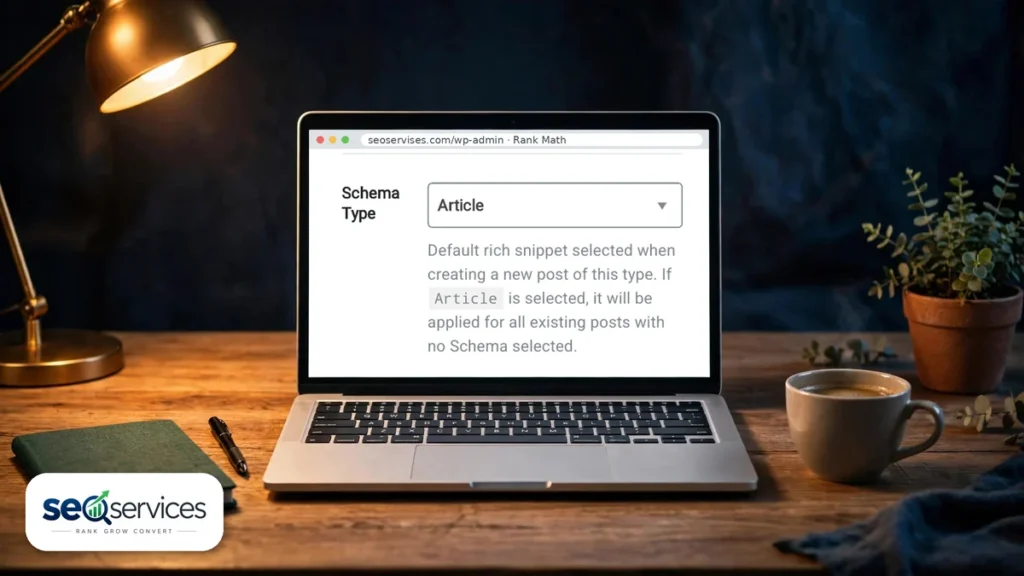
Open Rank Math settings after installing the plugin. Go to Titles and Meta, then your content types. Set the default schema type for posts and pages.
Posts usually take Article or BlogPosting defaults. Pages often need WebPage or a custom choice. Service pages may need Service or LocalBusiness care.
Edit any single post to override its default. The Rank Math panel shows a schema tab. Pick a type and fill its fields.
Add your business details in the plugin settings too. Local SEO settings hold name, address, and hours. Those details feed your sitewide business data.

Do I need to know how to code to add schema markup?
No, WordPress plugins handle the code for you. Rank Math and Yoast generate common types automatically. You fill forms instead of writing JSON-LD by hand. Custom types for complex sites may need help. Most small business sites never reach that point. Start with plugin defaults and test the output.
A Plain Look at JSON-LD Code
Plugin output looks like a tidy labeled list. It starts by naming the schema.org context. Then it states the type and each fact.
A business block names the type as LocalBusiness. Fields follow for name, phone, address, and hours. Each field pairs a label with your real value.
You do not need to memorize this format. Reading one output block builds useful confidence. It also helps you spot wrong details fast.
Never copy code from random sites without editing. Their business facts would enter your pages unchanged. Wrong facts in code mislead Google and customers.
Test Every Page With Rich Results Test
Testing takes two minutes and prevents silent errors. Google offers the free Rich Results Test for any URL. Paste your page address and run the check.
The tool lists detected types and any errors. Errors block rich result eligibility for that type. Warnings usually flag missing optional fields only.
Fix errors first, then retest the page. Add optional fields only when facts stay honest. Empty or guessed values never help you.
Also check Search Console under Enhancements later. It reports structured data issues across your whole site. New errors appear there days after publishing sometimes.

Does schema markup help SEO?
Schema helps Google understand your pages with less guessing. It also makes pages eligible for rich results. Rich results can win more clicks at same rankings. Schema itself is not a direct ranking factor. Google has stated that point clearly for years. Treat it as clarity and display help.
Table 2: Beginner Errors and Fixes
| Error | Why it hurts | Fix |
|---|---|---|
| Marking up hidden content | Breaks Google policy rules | Mark only visible page facts |
| Fake review scores | Risks manual actions | Use real displayed reviews only |
| Wrong business details | Misleads customers and Google | Match your profile data exactly |
| Two plugins adding schema | Creates conflicting duplicate data | Keep one SEO plugin active |
| Never testing output | Errors stay invisible for months | Run Rich Results Test monthly |
Which Type Should You Add First?
Which schema type should a small business add first?
Add LocalBusiness data first if customers visit or call you. It states your name, address, phone, and hours clearly. Bloggers should set Article data as their first step. Add FAQPage data only to true question pages. Review data comes last, after real reviews exist. That order covers value before extra detail.
Organization Data Ties Your Brand Together
Organization is a bonus fifth type worth knowing. It describes your whole company rather than one page. It holds your name, logo, website, and contact points.
The sameAs field links your official social profiles. Those links help Google connect your brand across platforms. Add only profiles that you truly own and control.
Rank Math stores Organization details in its settings. Fill them once and the plugin reuses them sitewide. Keep the logo file current after any rebrand.
This type rarely earns a flashy rich result alone. Its value sits in cleaner brand understanding overall. Knowledge panels and brand searches benefit from it most.
Keep Your Data Accurate After Setup
Structured data goes stale like any other site content. Hours change, services change, and staff members leave. Your code should change at the same time.
Check your business fields after every real-world change. A new phone number must update everywhere together. Mismatched phone data confuses Google and customers alike.
Retest key pages after theme or plugin updates. Updates sometimes drop or duplicate plugin output quietly. A two-minute test catches those breaks early.
Watch Search Console Enhancements reports every month. New warnings often appear weeks after a change. Fix errors first and note warnings for later.
Remove data for content you delete from pages. Code describing removed services misleads search engines. Google policy treats hidden facts as spam risk.
Assign one person to own accuracy on your team. Shared ownership usually means nobody checks anything. A named owner keeps the routine alive.
When Schema Work Gets Advanced
Some sites outgrow plugin defaults over time. Stores need detailed Product and Offer data. Event sites need dates, venues, and ticket facts.
Multi-location brands need one block per location. Each block must match that location’s real details. Copying one block everywhere creates wrong data fast.
Our technical SEO audit checklist includes schema checks among wider tests. Use it when errors spread across many pages.
Complex cases often need a specialist review. Our technical SEO services cover audits and fixes for growing sites. Beginners can still handle the four starter types alone.
Ready to Make Google Read Your Pages Clearly?
Add one type this week and test it. LocalBusiness or Article covers most readers here.
Want a specialist to check your current setup? Contact us for a clear structured data review. You get errors listed in plain words.
Frequently Asked Questions
What is schema markup in simple terms?
It is code that labels facts on your page. The labels state what each fact means clearly. Search engines read labels faster than plain paragraphs. They can then show richer search result displays. Visitors never see the code itself at all.
Does schema directly improve search rankings?
No, Google says structured data is not a ranking factor. Valid data makes pages eligible for rich results. Rich results can improve clicks at the same position. Better understanding may also help matching queries. Expect display benefits, not automatic ranking jumps.
How do I check if my schema is working?
Run your URL through Google’s Rich Results Test first. It shows detected types, errors, and warnings instantly. Then watch the Enhancements reports in Search Console. Those reports track issues across your whole site. Recheck after any theme or plugin change.
Which structured data format does Google recommend?
Google recommends JSON-LD for most websites today. It sits in one script block inside your page. The format stays separate from visible HTML code. WordPress SEO plugins output JSON-LD by default. Beginners find it easiest to check and fix.
Can two SEO plugins add schema at once?
No, two plugins usually create conflicting duplicate data. They may output different types for one page. Google then reads mixed or doubled facts. Pick one SEO plugin for your whole site. Delete the other plugin after migrating settings.